Connect your code to Cysmiq
Last updated: June 25, 2026
Use this article when you are ready to connect GitHub, GitLab, or Bitbucket so Cysmiq can discover repositories and start scanning.
What to check first
- Open Settings, then Integrations.
- Choose the version control provider you want to connect.
- Confirm you have the right admin permissions or access token before starting setup.
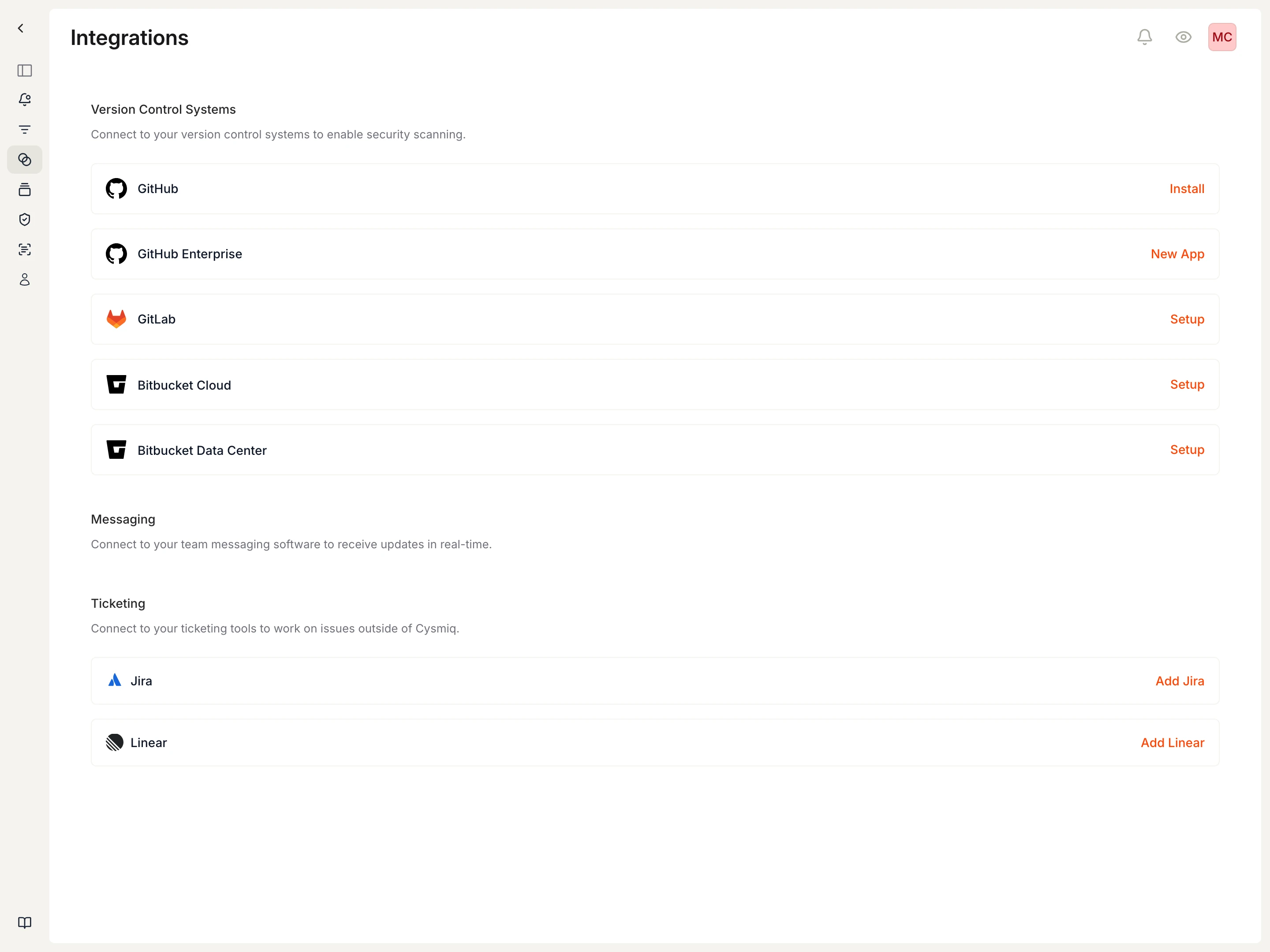
Provider requirements
- GitHub Cloud: organization owner access or admin access for the account you plan to connect.
- GitHub Enterprise Server: admin access to create and install a GitHub App on your Enterprise Server instance.
- GitLab: group owner access and a personal access token with the
apiscope. - Bitbucket Cloud: workspace admin access and a workspace access token with repository, pull request, webhook, project, and account read/write scopes.
After connection
- Cysmiq syncs the connected organizations, groups, workspaces, and repositories.
- Cysmiq queues scans automatically for repositories it can access.
- You can verify the connection from Integrations, Assets, and Scans.
Canonical docs
For the maintained walkthrough, see Connect a VCS and Integrations.
Contact support if
- You cannot authorize or save the integration.
- The connected organization, group, workspace, or repositories do not appear in Cysmiq.
- Scans do not appear after the integration is connected.