Create your account and first workspace
Last updated: June 25, 2026
Use this article when you are setting up Cysmiq for the first time. It summarizes the first workspace flow and points to the canonical quickstart guide for the full walkthrough.
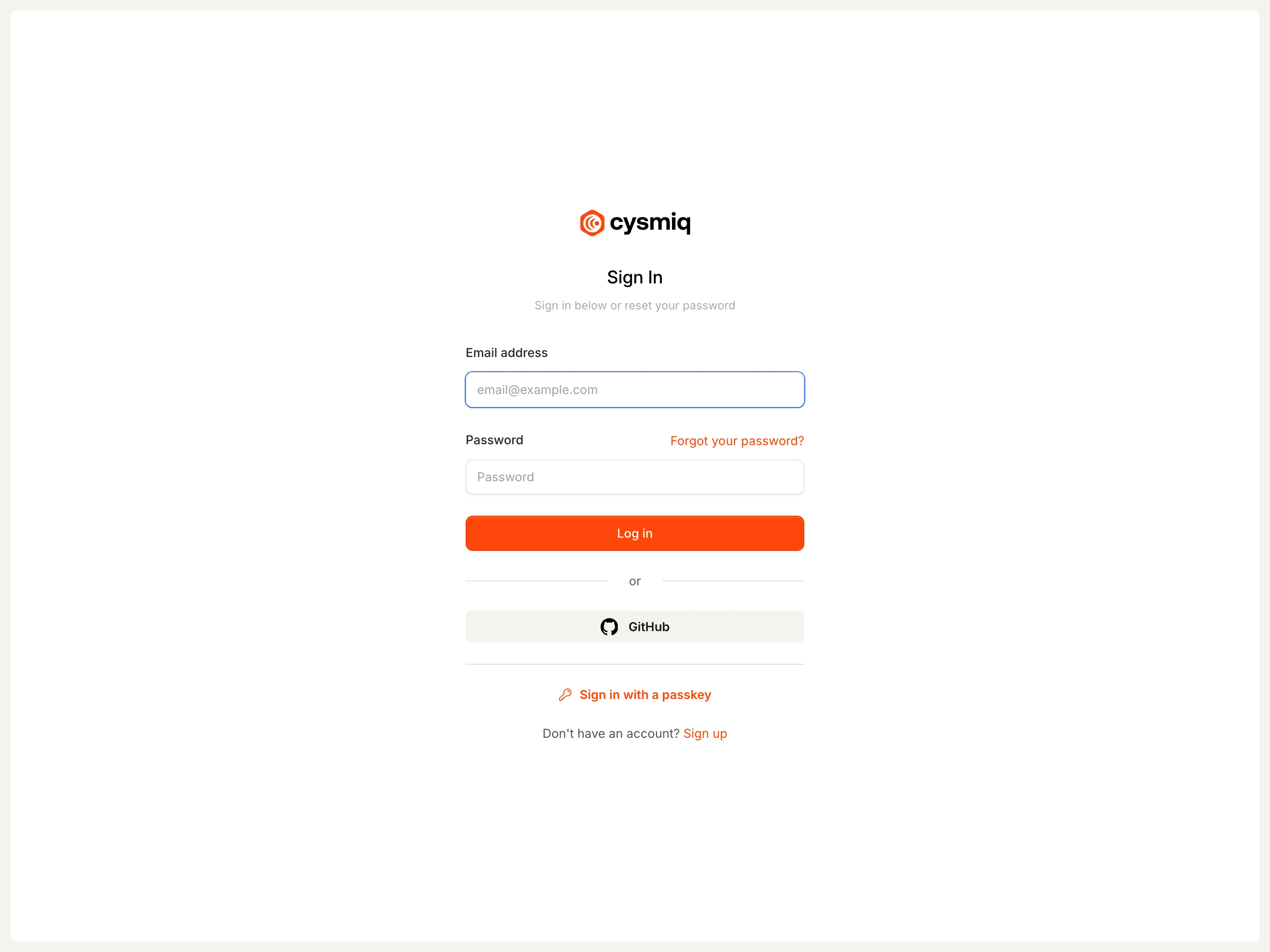
Start here
- Create your Cysmiq account with email or GitHub.
- Verify your email address.
- Create your first workspace.
- Connect a version control system so Cysmiq can begin scanning repositories.
Canonical docs
For the maintained step-by-step guide, see Quickstart and then Connect a VCS.
Contact support if
- You cannot sign in or verify your email.
- Your workspace does not appear after creation.
- You connected a VCS but repositories or scans do not appear.