Why is my workspace empty?
Last updated: June 25, 2026
Use this article when a new workspace has no repositories, scans, vulnerabilities, or assets yet.
Most common reason
A new workspace starts empty until you connect a version control system. After the VCS is connected, Cysmiq discovers organizations and repositories, then queues scans for repositories it can access.
What to check first
- Workspace selector: confirm you are in the intended workspace.
- Integrations: confirm GitHub, GitHub Enterprise, GitLab, or Bitbucket is connected in this workspace.
- Assets: open Organizations or repositories to confirm the connected source appears.
- Scans: confirm scans are queued, in progress, or completed after the integration is connected.
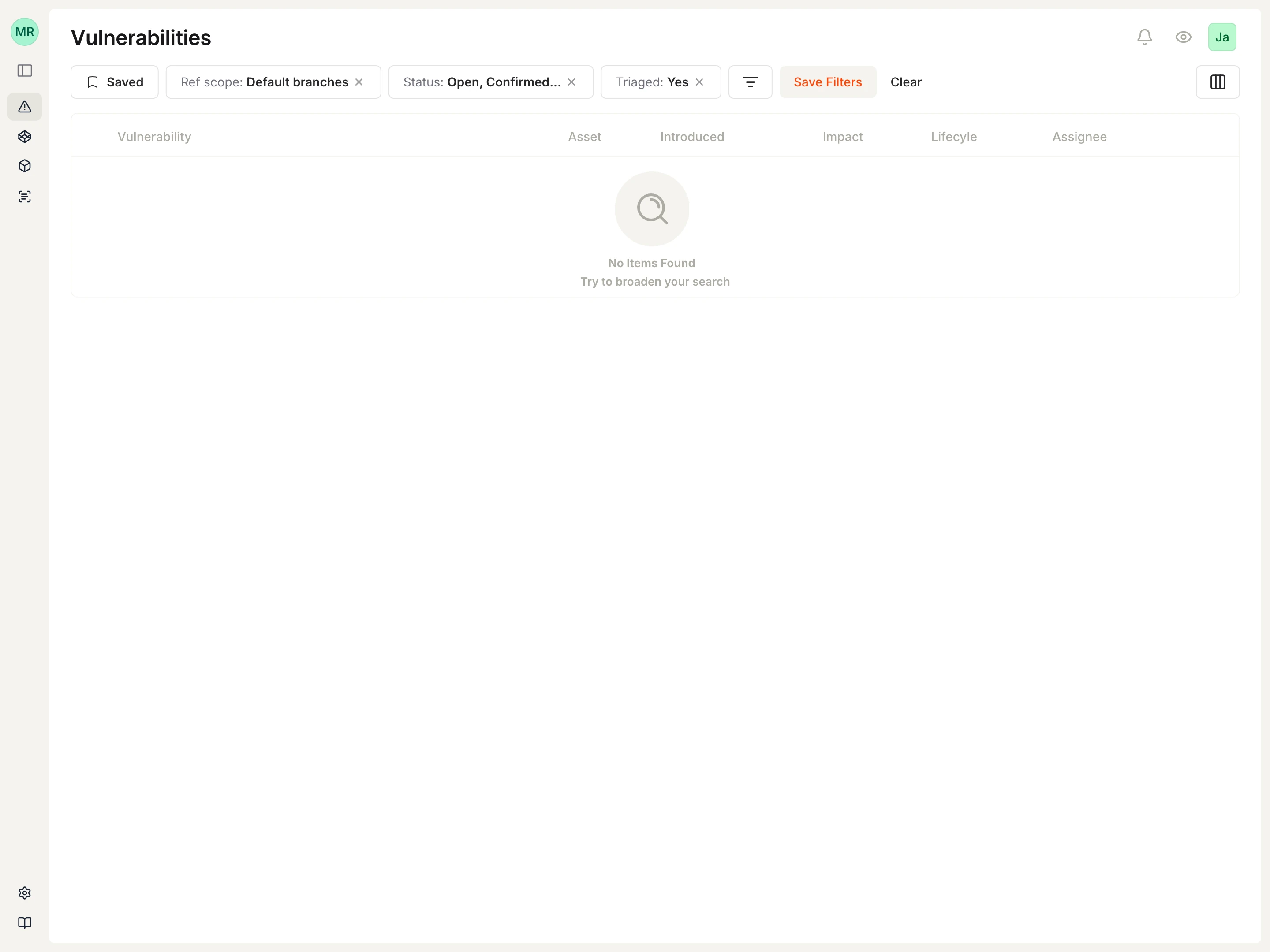
- Filters: clear filters if a table looks unexpectedly empty.
Common causes
- The VCS integration was connected in a different workspace.
- The VCS app or token does not have access to the expected organization, group, workspace, or repositories.
- GitHub was installed with access to only selected repositories.
- Repository sync or scans are still pending after connection.
- Your role or VCS-inherited permissions do not include access to the expected repositories.
Canonical docs
For the maintained walkthrough, see Quickstart, Workspaces, and Connect a VCS.
Contact support if
- The VCS integration is connected but no organizations, repositories, or scans appear.
- You see data in one workspace but not another and cannot explain why.
- Expected repositories are missing after confirming the VCS app or token has access.