Connect ticketing integrations
Last updated: June 25, 2026
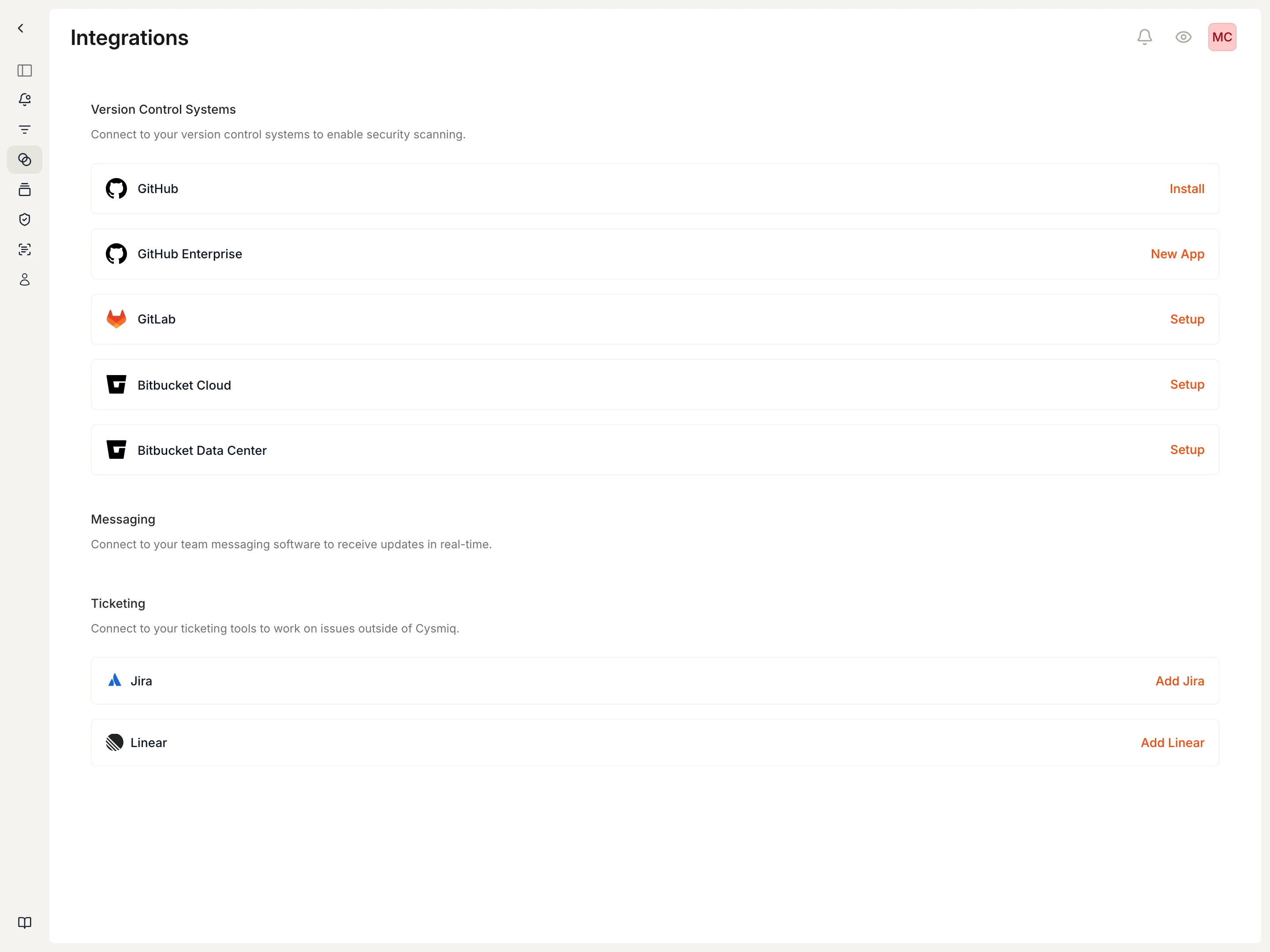
Use this article when you need to connect Jira or Linear so Cysmiq can create and track tickets from vulnerabilities.
What to check first
- Open Settings, then Integrations.
- Find the Ticketing section.
- Choose Jira or Linear based on where your remediation work is tracked.
Jira requirements
- Jira Cloud or Jira Data Center access with permission to create issues.
- A Jira API token or personal access token.
- Display name, base URL, project key, issue type, email, and token.
Linear requirements
- A Linear workspace with a personal API key that has
readandwritescopes. - Display name, team key, and API key.
- A default workflow state for newly created tickets, or Linear's default state.
After connection
- Return to Integrations to confirm the provider is connected.
- Open a vulnerability and use the Ticketing sidebar section to create tickets.
- Linked tickets appear on the vulnerability with provider and status information.
Canonical docs
For the maintained walkthrough, see Connect ticketing and Tickets.
Contact support if
- The ticketing provider cannot verify or save.
- Cysmiq says the integration is connected but ticket creation is unavailable.
- Created tickets go to the wrong Jira project, Jira issue type, Linear team, or Linear state.